Fellwood system requirements
Four gigabytes of RAM on paper — and a physics pile that still asks your fans to work.
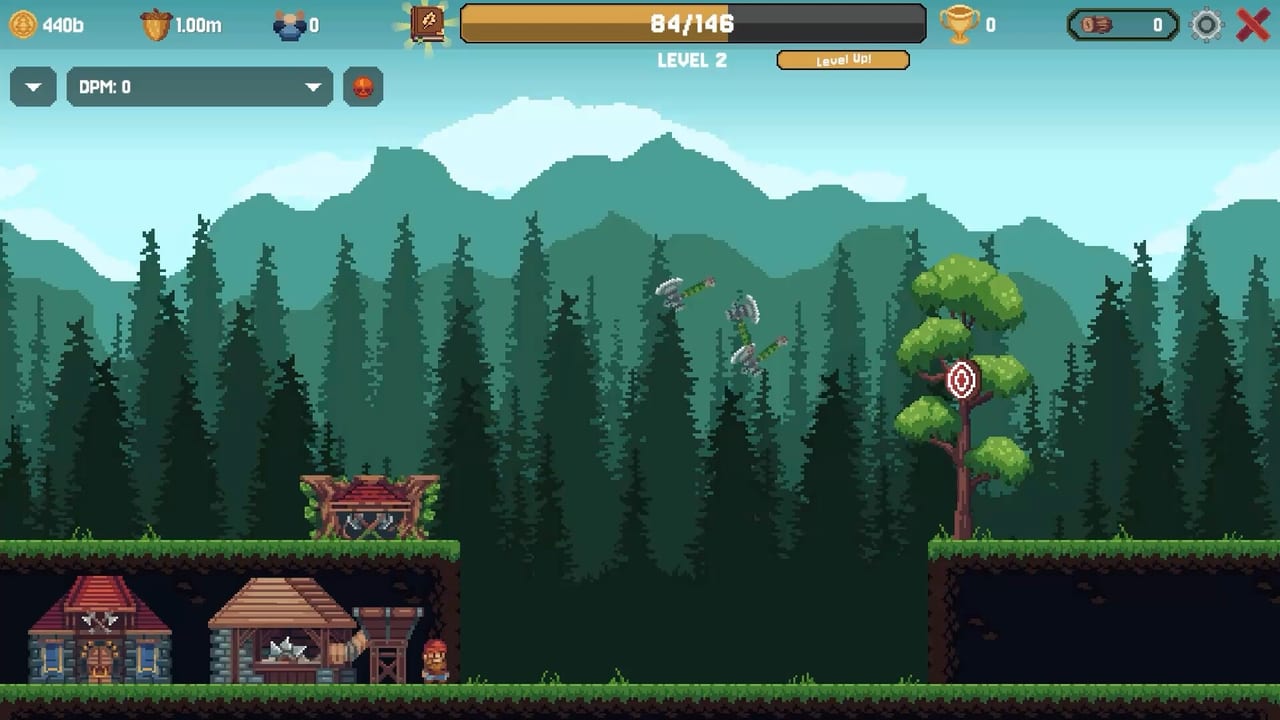
Allerton Apps pitched Fellwood as a small download. The store minimums agree. The live pile does not always agree. This page is the official hardware list plus the practical warnings from demo and launch threads. Pair it with Controls for Deck input, and with Review if you are still deciding. Gameplay help stays on the Guides Hub.
Windows minimum (store)
- OS: Windows 10, 64-bit
- CPU: Intel Dual-Core 1.6 GHz or faster
- RAM: 4 GB
- GPU: integrated graphics
- Storage: 500 MB
That is an office-laptop spec. It will boot the camp. It may not enjoy 800 active logs ricocheting while lightning hits the stack and three wizards dump particles. If the FPS limiter setting does nothing — a launch thread says it does not — cap frames in your GPU control panel or in Steam’s per-game profile. Patch Notes did not fix the limiter in 1.0.1.
macOS minimum (store)
- OS: macOS 10.13 High Sierra
- CPU: Apple M1 or Intel Core M
- RAM: 4 GB
- GPU: Metal-compatible
- Storage: 500 MB
Metal is required. An ancient Intel Mac that meets 10.13 on paper can still hate physics. An M-series machine should treat Fellwood as a toy. If fans spin, lower whatever quality slider exists and do not sit on the log cap for fun. Collectors and Sawmill explains why 800 is a waste of damage anyway.
What is not listed
- Linux: not flagged on the store platforms we captured.
- Steam Deck: compatibility unknown on several trackers at launch, even though people already played the demo handheld. Expect mouse-aim pain, not a verified Verified badge. Use trackpads, front-row buildings, and Steam’s own FPS cap.
- Controller: the design is mouse-only. A gamepad without a mouse layer is a fight.
Practical performance tips
- Do not camp the 800-log ceiling. Recycled logs are wasted work and wasted GPU. Logs and Acorns.
- Mix buildings for design reasons, not for particle reasons. A shrine to one wizard still draws a lot of sprites. Buildings Hub.
- Mute or lower music if a demo-era “music does not stop” bug returns. Custom volume controls are a store flag.
- Cloud saves mean you can bounce between a desktop and a laptop. They do not mean you should prestige on a dying battery during a clover wind. Events.
Accessibility flags that affect hardware feel
Steam lists camera comfort, custom volume, mouse-only, playable without timed input, save anytime. Those are why a low-spec machine can still finish a prestige: nothing fails you for being slow except clovers you chose to chase. Active Abilities is optional effort. The mill can idle. How to Prestige still wants you to reset on purpose, not because the frame rate asked.
Buy decision vs hardware decision
If your PC is newer than 2015, you can run Fellwood. If your PC is a Deck, you can probably run it and you might not enjoy aiming. If your PC is a 4 GB Windows tablet, try the demo. The demo is the same physics joke at a smaller roster. Links has the store and demo. System Requirements will not change until Allerton posts new minimums. When they do, Patch Notes will mention it and this page will follow.
Sibling pages: review, notes, updates hub. Sibling play pages: controls, collectors, getting started. Hardware is the boring unlock. The mill is the real one.
Frequently Asked Questions
Quick answers to the questions Fellwood players ask after their first prestige.
Can I run Fellwood on integrated graphics?
The Windows minimum says yes. Cap FPS externally if the in-game limiter fails, and avoid idling on the 800-log ceiling.
Does Fellwood run on macOS?
Yes. The store asks for macOS 10.13+, 4 GB RAM, and a Metal GPU, including Apple M1.
Is Fellwood Steam Deck verified?
Not as of launch-week trackers. It is a mouse-aim game; use trackpads and expect UI friction documented on the controls page.