Fellwood controls and Deck notes
Mouse-only by design — plus the launch bugs that make handheld play feel cursed.
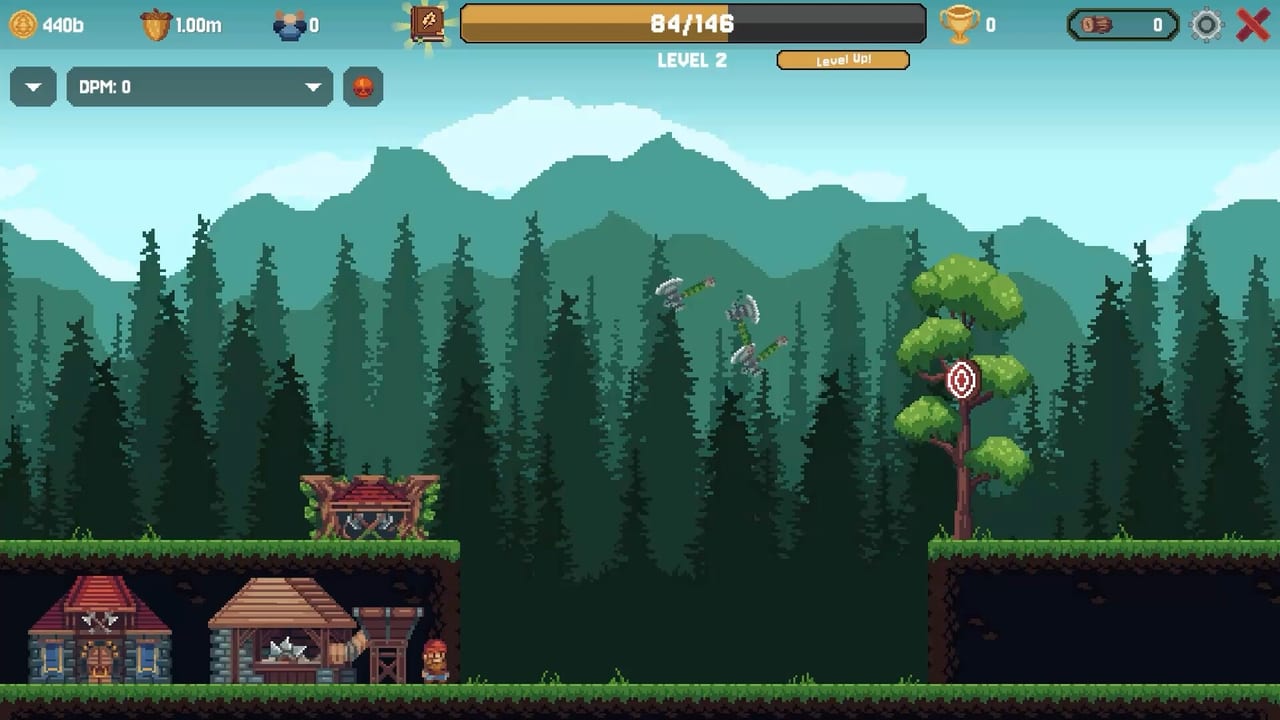
Fellwood ships with Steam categories for Mouse Only, Camera Comfort, Custom Volume Controls, Playable without Timed Input, and Save Anytime. That is the accessibility pitch. The lived experience is a click-drag shooter sitting on top of an idle game, and launch-week threads are full of Deck, aiming, and UI complaints. This page is the input map plus those bugs so you stop blaming yourself. Pair it with Active Abilities for what the shots are for, and with Getting Started if you have not planted a tree yet.
Mouse and keyboard on desktop
- Click a building to select it and assign population.
- Click-drag from a building to manual-fire. Release toward the tree or toward a clover.
- Click the log pile to push timber toward the Sawmill. Aim at the top of the stack.
- Scroll between HQ, mill, and stacked buildings on the same slot. Several players reported the HQ and Sawmill bars feeling like the same scrollbar. If both panels jump together, that is a known complaint, not your mouse wheel dying.
- Level-up packs appear as boxes. Hotfix 1.0.1 added delay before you can select an option because accidental clicks were eating cards. If a box still covers a shot, wait the beat, then pick.
- Settings include volume and, in theory, an FPS limiter. A launch thread says the limiter does not work. Cap in the GPU panel if the laptop fans are screaming.
There is no WASD lumberjack. There is no combat roll. If inverted aiming is on and you did not ask for it, check the settings toggle called out in the “Inverted aiming?” thread before you remap the entire mouse in Windows.
Steam Deck and handheld
Steam Deck compatibility is still listed as unknown on several trackers even after release. Players already filed Steam Deck bugs during the demo: trackpad drag-aim that cannot pull back far enough, gyro fighting the shot, and UI that was built for a hovering cursor. Practical workarounds that do not require a patch:
- Use the trackpads as a mouse, not as a flick stick. Manual shots are analog.
- Put important buildings on the front slot so the drag does not run off the bottom bezel. Back-row fireballs are how people rage-quit. How to Unlock Buildings mentions stacking on one slot for this reason.
- If clovers spawn, pause other clicks and take the shots. Worker fire will not credit luck — Events.
- If the limiter fails, drop in-game quality or use Steam’s per-game FPS cap so the pile physics do not melt the APU.
Fellwood is light on paper (4 GB RAM, 500 MB disk in System Requirements). Physics piles are not light when 800 logs are live. The 800 cap exists so the oldest logs recycle. If handheld stutter starts at a fat pile, that is the cap doing you a favor and the Deck still struggling. Lower log counts in settings if a slider exists; demo players begged for “more logs” and “fewer logs” in the same week.
UI fights that look like control bugs
- Clicking logs sometimes fails when a collector, a tooltip, or a pack is in the way. Hotfix 1.0.1 also fixed a flickering log tooltip.
- Typewriter text in the tutorial annoyed people. There is no verified skip bind documented here; sit through it once.
- Stuck threads after launch are often progression gates, not input. If Mages are grey, read How to Unlock Buildings, not this page.
- Music that would not stop was a demo bug. If it returns, mute in the custom volume controls rather than assuming Windows is haunted.
Accessibility that actually helps
Mouse-only means you can play with one hand on a bad desk day. No timed QTE means clovers wait for your drag, they do not fail a song. Camera comfort and save-anytime are why this is a good “one more prestige” game. None of that replaces a working Deck profile. When Allerton Apps posts one, Patch Notes and Links will point at it.
Sibling reads: Review if you are here to decide whether Deck play is worth the $6.99; Buildings Hub if you can aim but cannot decide what to staff; Prestige Planner if the only control you care about is the reset button. Manual aim is a skill. The rest of Fellwood is a spreadsheet with splinters.
Frequently Asked Questions
Quick answers to the questions Fellwood players ask after their first prestige.
Is Fellwood mouse-only?
Steam lists a Mouse Only option. The core loop is click-drag aiming, pile clicks, and menu clicks — no WASD character.
Does Fellwood work on Steam Deck?
It is playable as a mouse-aim game, but demo and launch threads report drag-aim, limiter, and UI issues. Use trackpads and front-row buildings.
Why does clicking the log pile do nothing?
Click the top of the stack, wait the cooldown, and watch for tooltips or level-up boxes covering the pile. Hotfix 1.0.1 addressed flicker and accidental card clicks.